


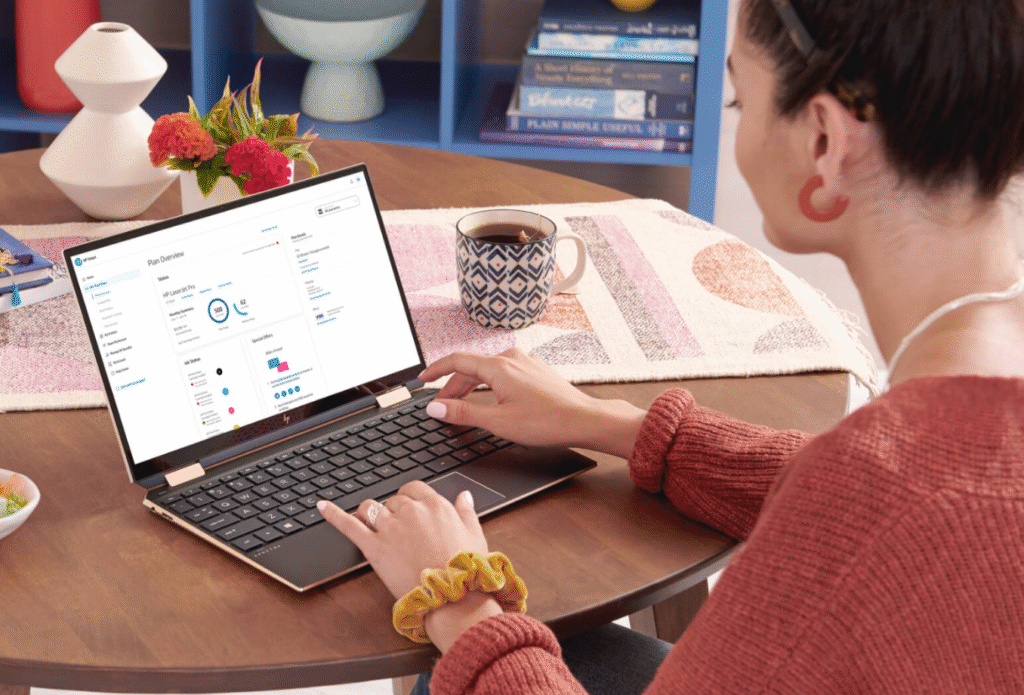
HP Smart gives users a way to manage printing, scanning and device control without dealing with complicated menus or outdated workflows. Instead of treating printers like big machines that only work when everything is perfect, the app turns them into reliable tools that can be handled from a phone, tablet or computer. For anyone who prints, scans, signs, sends or organizes documents regularly, HP Smart becomes a practical hub that simplifies tasks that normally take too much time.
Unlike older software that needs drivers, wires or manual setup, HP Smart focuses on smooth connectivity and clear instructions. This makes life easier for users at home, in small offices or in hybrid work setups where people switch devices often. HP Smart turns printing into something predictable, instead of something that only works on a good day.
TL;DR
HP Smart helps users set up printers quickly, print from any device, scan with precision, organize documents, check supplies, fix issues and manage everything remotely through one simple dashboard.
Where HP Smart Makes Everyday Work Faster


HP Smart focuses on solving the exact problems users face with printers and scanners. It speeds up setup, improves scanning accuracy, reduces support frustration and keeps devices working even when users switch between home and office. This section breaks down what those improvements look like in real-world use.
- Setup That Works for Regular People
HP Smart detects compatible printers instantly and walks users through setup step by step. There is no guessing about Wi-Fi, driver downloads or cables. This helps eliminate the most common barrier people face when opening a new printer box.
- Print From Anywhere
Users can send documents to their printer even when they are not at home. This is helpful for parents printing school forms, business owners sending invoices or students printing assignments without needing to sit next to the printer.
- Scans That Look Clear and Professional
HP Smart can scan through the printer or even through the mobile camera with correction features that straighten, brighten and enhance the file. This helps users create clean PDFs of receipts, IDs, contracts or worksheets without needing a dedicated scanner.
- Quick Actions for Repetitive Tasks
The app lets users save templates for common tasks like scanning to cloud folders, emailing documents or saving to a specific drive. This removes repetitive steps and saves time for small businesses and busy households.
- Device Health and Supplies in One Place
The app shows ink levels, paper status and maintenance alerts so users never get surprised mid-task. It also provides troubleshooting tools that fix common issues without needing professional repair.
What Users Gain Once They Start Using It


- Setup becomes a guided process that prevents common mistakes.
- Phone-based scanning removes the need for separate apps or messy workflows.
- Remote printing supports hybrid work, busy families and on-the-go tasks.
- Supply tracking helps avoid last-minute ink shortages.
- Troubleshooting tools fix problems without support calls.
How Different Users Get Real Value From HP Smart


Home Users: Families often need fast access to printing and scanning without spending time on technical settings. HP Smart makes it easy to print homework, scan documents for school or email forms without needing a desktop computer.
Students: Scanning handwritten notes, organizing assignments, sending PDFs for submissions and printing from a mobile device all get easier. Students benefit from simple on-the-go access to their printer without the need for complicated setup.
Remote Professionals: Contracts, receipts, invoices and scanned documents become easier to manage. HP Smart lets users print ahead of time, scan with clarity and organize digital files smoothly across devices.
Small Business Teams: Offices that don’t have dedicated IT support can manage multiple devices, order supplies and keep everything running through one central app. It reduces downtime and makes document workflows predictable.
Creative Users: Artists, content creators and DIY hobbyists can print designs, posters or templates directly from their phones and scan artwork for digital use with high clarity and clean edges.
A More Useful Way to Interact With Your Printer

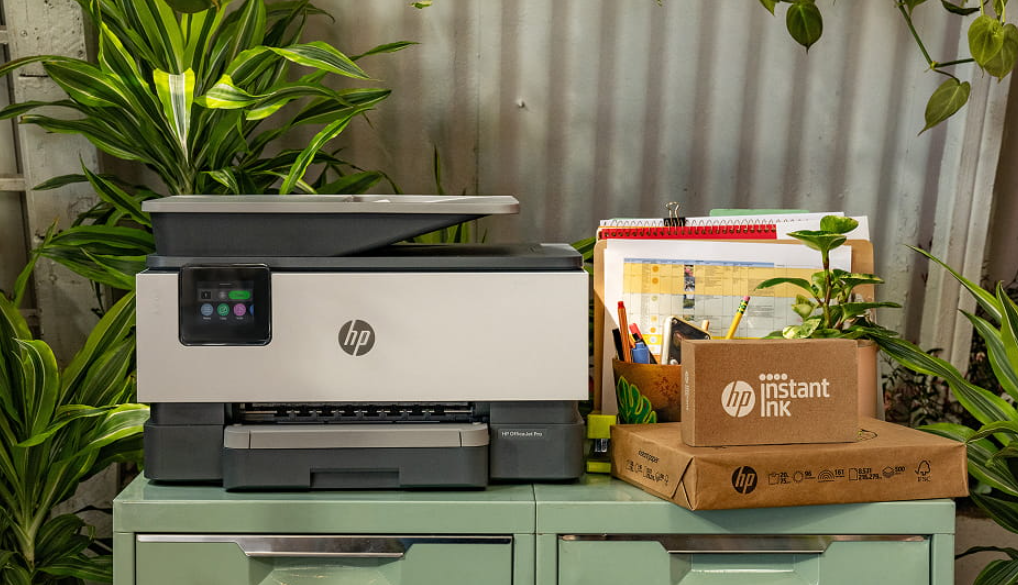
HP Smart upgrades the entire experience of using a printer. Instead of relying on old menus, buttons or computer-tethered systems, it brings everything into a simple, visual, easy-to-follow app. By unifying setup, printing, scanning, sharing and managing supplies, it supports the way people work today, not the way printers worked ten years ago.
Whether someone wants faster document handling, smoother workflows, better scanning quality or effortless control across devices, HP Smart delivers tools that fit seamlessly into everyday life. It turns printers into helpful companions rather than unpredictable machines.